Card Readers
Card readers usually come down to how the door is controlled and which credentials the job needs. A simple proximity card reader suits straightforward entry points, while an RFID or Mifare unit fits systems already using those cards or fobs. Match the existing setup first. That is what saves you from swapping the reader out later.
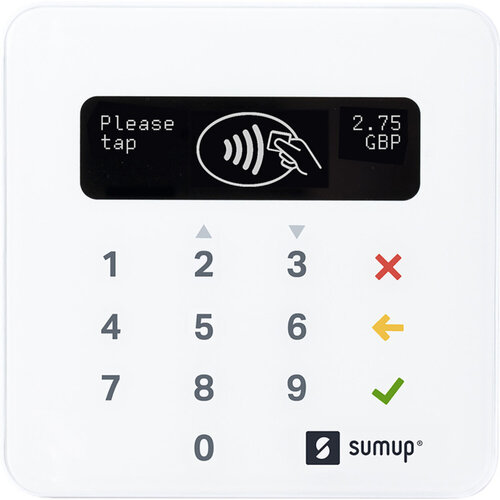
SumUp Air Card Reader
Pocket-sized contactless and Chip&PIN card reader with 1.69% per transaction, EM…
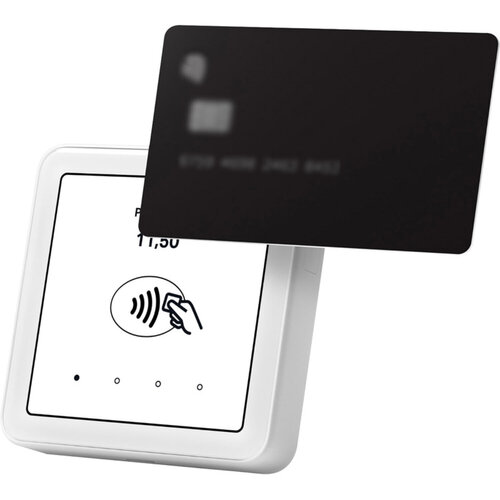
SumUp Solo Smart Card Terminal
Pocket-sized card terminal with 1.69% fee and touchscreen
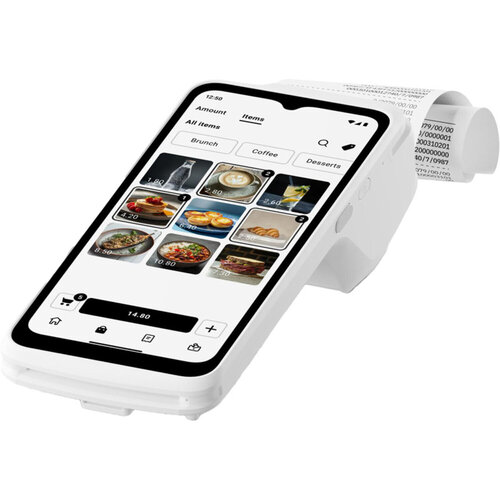
SumUp Terminal
Pack of 12 white SumUp card reader terminals, 84 x 130 x 206mm
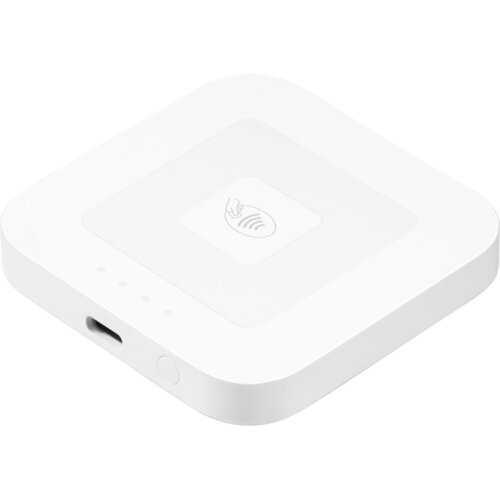
Square Card Reader - 67.2x67.2x10.8mm
Bluetooth contactless card reader (2nd gen) accepting Chip & PIN, Apple Pay, Goo…
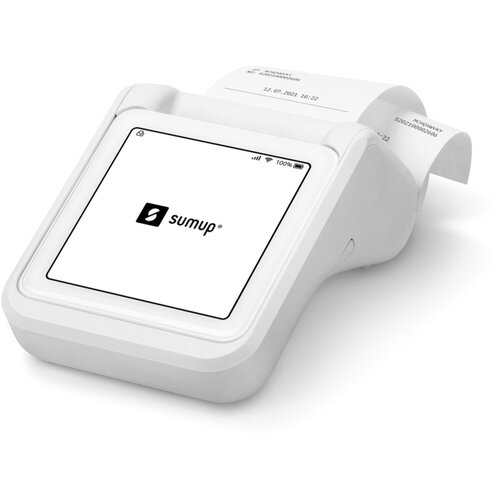
Sumup Solo & Printer Bundle Retail UK
Mobile card reader and receipt printer accepting chip & PIN, contactless and mob…
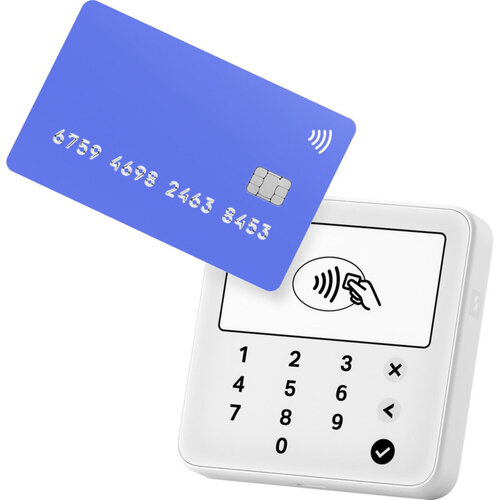
Sumup Solo Lite
SumUp Solo Lite white card reader, over 1000 transactions per charge
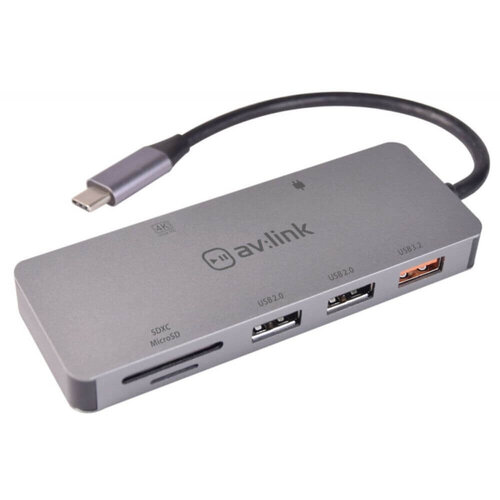
Av:link USB-C 7 in 1 Multi Hub - Type-C USB 3.0 4K HDMI Micro SD TF OTG for PC/S…
Compact 7-port USB-C hub with 4K HDMI, 100W PD, and SD card reader
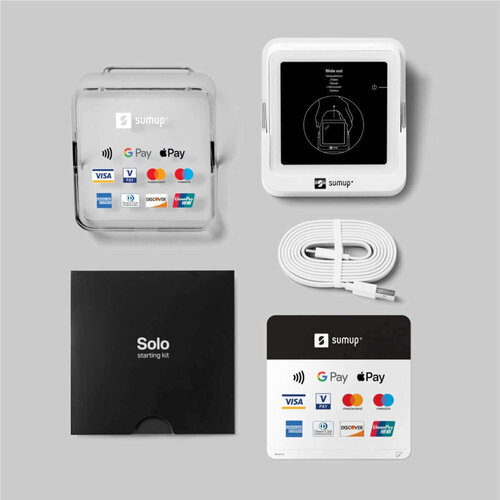
SumUp Solo Smart Card Terminal
Pocket-sized card terminal accepting all major payment methods
For the Trade
Start with the space you’ve got and how the door will be used, then the rest falls into place. A compact unit suits a tight frame or a busy entrance where you want a clean face and less to snag. A larger reader is easier to live with where there’s room and the client wants a clearer presentation. If you’re replacing like for like, the credential type matters more than the finish. A proximity card reader is usually the quick fit on straightforward entry work. If the system already runs on a different format, changing the reader is where problems start.
Card Reader Options Compared
Most card readers come down to how the credential is presented and how much control you need at the door. A basic proximity card reader is usually the quickest fit for straightforward entry. RFID card readers and Mifare card readers make more sense when you are matching an existing system or keeping the same card family across several doors.
Access control card readers sit wider. Use them when the job is part of a managed system rather than a single door. The trade-off is simple. The more specific the reader, the less likely you are to end up changing cards as well.
If you are working through the rest of the Domestic Electricals range, keep the credential type fixed first. That is where most wrong buys start.
Choosing Materials and Size
Start with what the door already needs to recognise. That usually rules out half the range. If the site is already set around a specific credential, stick with it. Changing the reader can mean a call-back.
A proximity card reader suits simple entry control. An RFID card reader or Mifare unit makes more sense when you are matching an existing system. Size matters too. A smaller face fits tight frames and busy entrances. A larger unit gives you more room for clear presentation.
If the job sits alongside Telephone Accessories or Alarms & Sensors, check the rest of the setup before you order.
Completing the Setup
Once you’ve picked the card readers, the next call is the kit around them that keeps the job tidy and serviceable. If the reader sits on a panel or alongside other controls, make sure the faceplate and back box suit the opening. That is where you avoid a messy return visit.
If the door needs a clearer status display, an adjacent alarm or sensor unit can cut guesswork at the point of entry. For the rest of the run, think about the cable route and any telephone accessories or data networking parts the system depends on. The wrong support gear is what usually slows a neat install down.
Related searches
Local availability for Card Readers