Smart Electrical
Smart electrical usually comes down to what you’re changing and how much control you need. If you’re swapping a single point, smart plugs and smart sockets keep it simple. If you’re replacing fixed controls, smart switches or smart light switches are the cleaner fit. Wifi smart switches and wireless smart switches help where cabling or back boxes limit you. Plugs are quickest to add. Sockets suit a neater permanent job. Switches work when the control point needs changing rather than just the appliance.
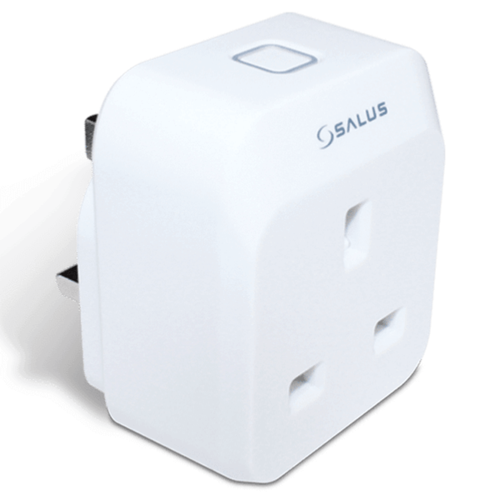
Salus Controls Smart Plug
Smart plug for on/off control of a standard socket.
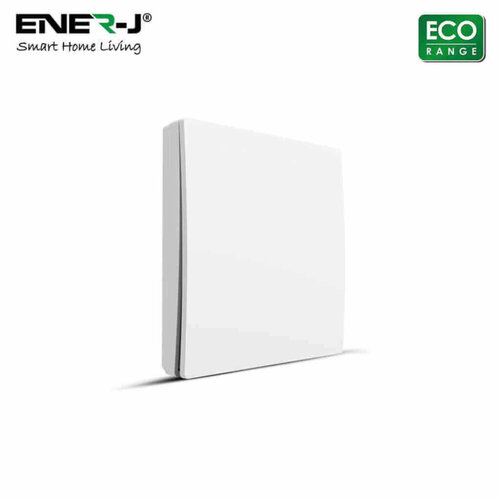
Ener-J WS1050X Wireless Kinetic Switch Eco Range 1 Gang
Wireless kinetic switch, 1 gang, no batteries, no cables, Eco series only
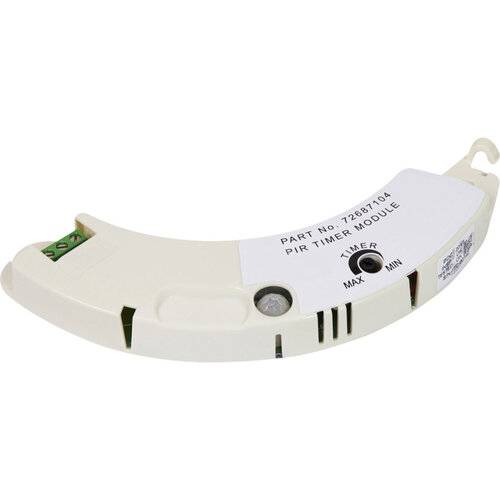
Airflow Icon Module - Motion Sensor with Timer
Motion sensor module with timer for Airflow iCON fans
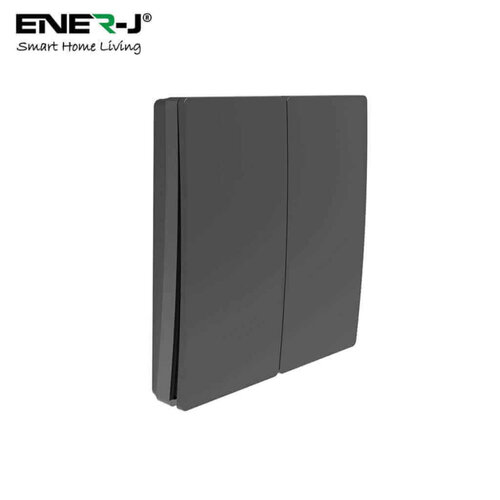
Ener-J Wireless Kinetic Switch Eco Range - 2 gang black
Self-generating wireless kinetic switch, 2 gang, black
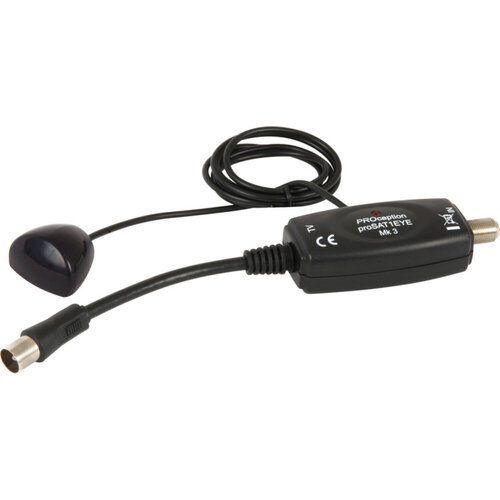
Proception Satellite Infrared Eye Remote Control Extender - 5mA Low Power
IR remote extender for Sky receivers, low power 5mA
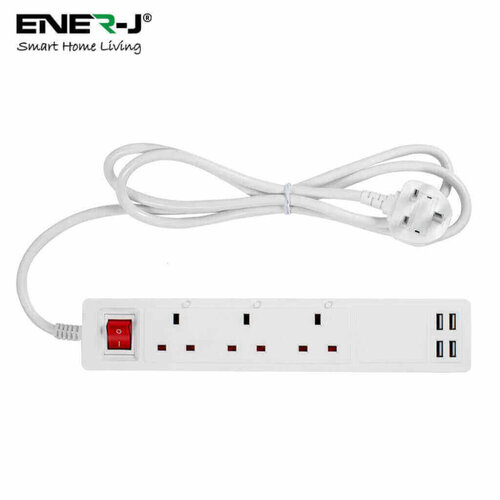
Ener-J Smart Wi-Fi Power Strip with 3 Sockets & 4 USB - 13A
Smart Wi-Fi power strip with 3 sockets, 4 USB ports, and 13A rating
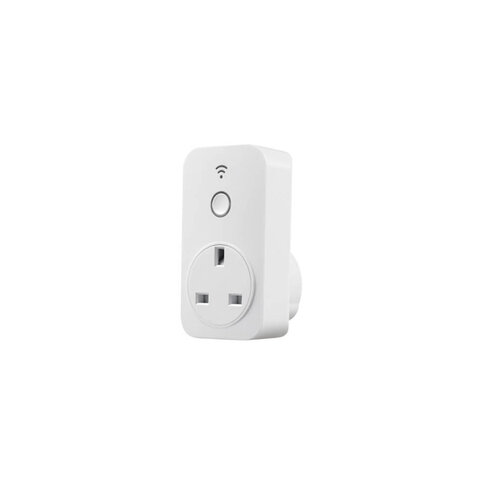
Homeflow Wi-Fi Smart Plug for Amazon Alexa Google Home - White
Wi-Fi smart plug for Amazon Alexa & Google Home, white, 13A
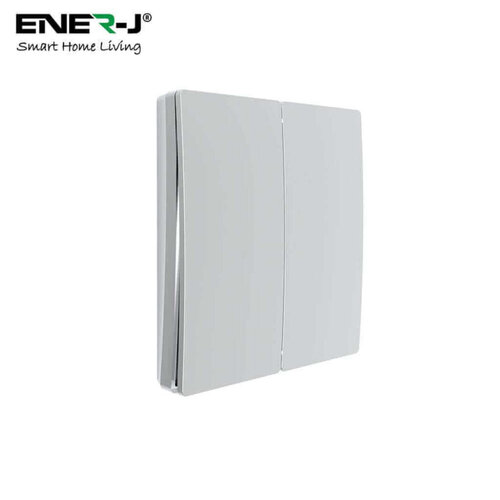
Ener-J Wireless Kinetic Switch Eco Range - 2 Gang Silver
2-gang silver wireless kinetic switch, self-generating power
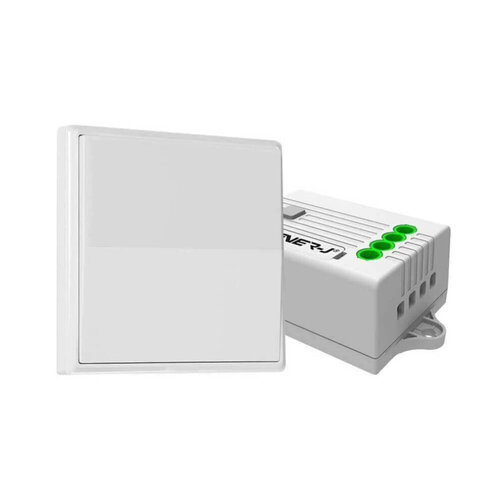
Ener-J RF Receiver for Non-Dimmable Switch - 5A 500W
RF receiver for non-dimmable switches, 500W
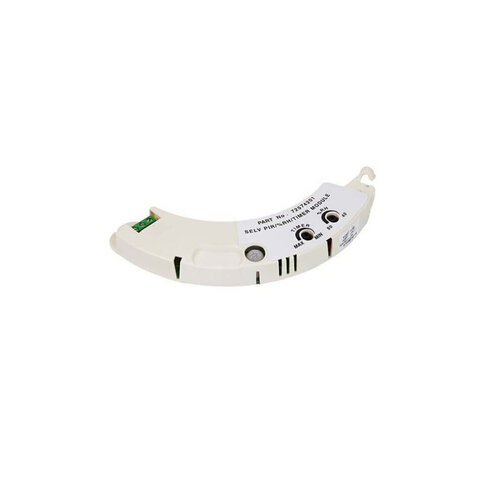
Airflow Prhts PIR with Humidity & Timer Overrun Module for Icon LV Fan
PIR module with humidity and timer overrun for Icon LV fan
For the Trade
Start with the space you’ve got and how the point will be used, then the rest falls into place. In a tight box or a busy retrofit, the cleaner option usually wins because it keeps the faceplate clear and avoids extra clutter. If you need more control, smart switches make more sense than a plug-in fix, but they do tie you to the existing circuit position. Smart plugs and sockets are the quicker route when you want a simpler change, though they won’t suit every arrangement. At the counter, it usually comes down to access, layout, and how much of the existing setup you’re keeping.
Types of Smart Electrical
For smart electrical, the first split is fixed control or add-on control.
Smart switches and smart light switches suit a point you want to replace at the wall. You keep the control in one place and avoid extra clutter.
Smart sockets work when you want the outlet itself controlled. Smart plugs are quicker for lamps or appliances you do not want to rewire.
Wireless smart switches suit jobs where you need a control point without running a new cable. The trade-off is simple: you gain flexibility, but you lose the feel of a hard-wired switch.
If you are working through a wider Smart Homes spec, the real question is how much of the installation you want to change.
Selection Factors for Smart Electrical
The first question is how much of the existing wiring you’re keeping. A hard-wired change usually points you towards smart switches or smart sockets. A plug-in option is quicker when you do not want to disturb the circuit.
WiFi smart switches suit jobs where the control needs to stay at the wall, but they need more thought on box depth and load type. Wireless smart switches work better where chasing or rewiring would slow the job down.
If the spec is moving into heating or a full room setup, look at Smart Heating or Smart Home Kits instead.
Finish the Room
Once you’ve picked the control point, the next call is what else needs to sit around it. On a lot of jobs that means a matching faceplate, a spare module for future changes, or a cleaner finish where the existing box is already crowded.
Smart electrical is driven by the room, not the brochure. A retrofit with limited space needs a different answer to a fresh fit-out with everything open. If you’re finishing a wider smart home job, line up the surrounding kit at the same time rather than coming back for a small missing part.
Related searches
Local availability for Smart Electrical