Smart Security
Smart security usually comes down to coverage and whether you need cameras, alarms, or both. For a straightforward domestic job, a wireless smart security system is often the cleaner pick because it is quicker to place and easier to expand. Hardwired kit still makes sense where you want a fixed setup and fewer battery checks.
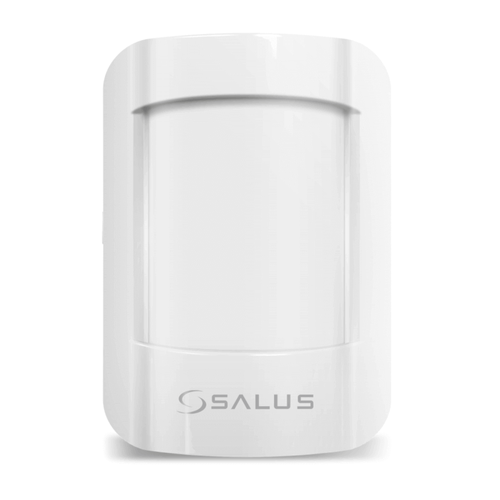
Salus Controls SmartHome Motion Sensor
ZigBee wireless motion sensor for Salus Smart Home system, pet immune up to 36kg
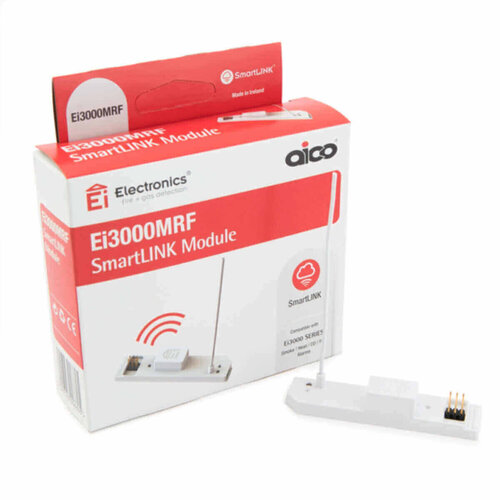
Aico Smartlink Module
SmartLINK module enables wireless interconnection for 3000 Series alarms
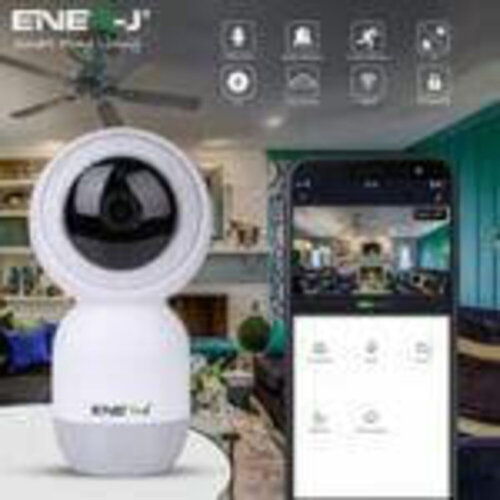
Ener-J Smart Wifi Indoor IP Camera with Auto Tracker
Smart WiFi indoor IP camera with auto tracking
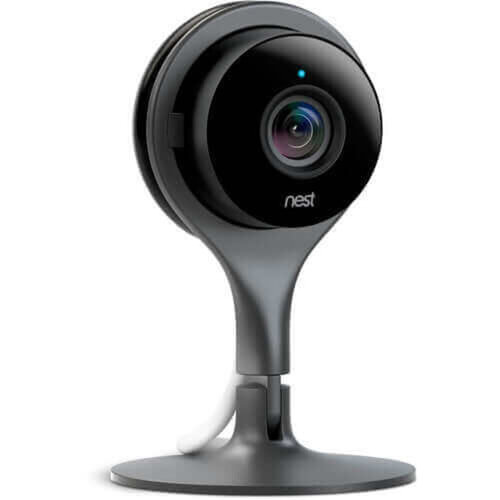
Nest Outdoor Camera - White
1080p HD outdoor security camera with 130° viewing angle and weatherproof design…
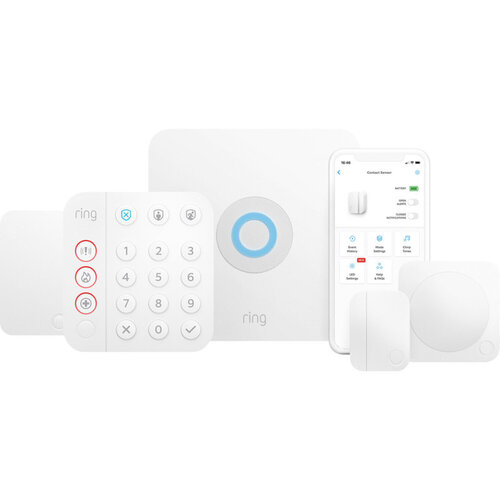
Ring Alarm 2nd Gen - 5 Piece Kit
5-piece 2nd gen Ring Alarm kit for DIY whole-home security
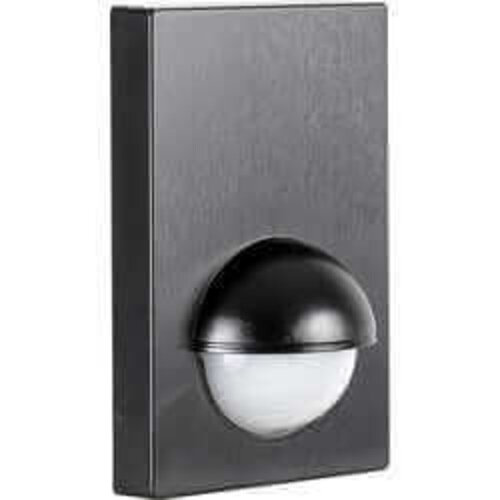
Zink 180° Wall Mount PIR Sensor IP44 - Black
Black outdoor PIR sensor, 180° detection, 12m range, IP44, adjustable timer
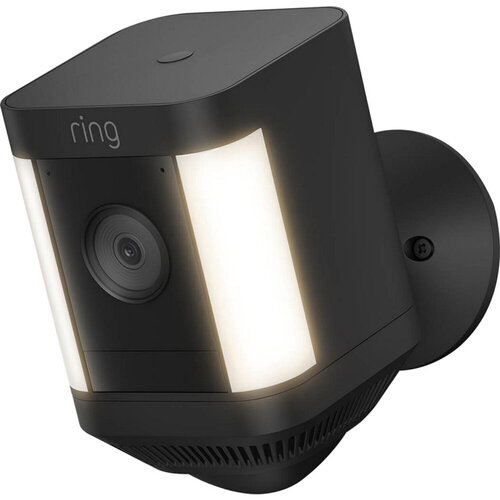
Spotlight Cam Plus Battery - Black
Battery security camera with motion-activated spotlight, colour night vision and…
For the Trade
Start with the space you’ve got and how the job will be used, then the rest follows. Tight access, long runs, or a site that needs less disruption usually points you towards wireless smart security. A fixed layout with clear cable routes can justify a more set-and-forget smart security system. Add cameras and the spec changes again. Then you’re looking at coverage points and what needs recording, not just alarm coverage. The common mistake is picking the extras first and finding the layout won’t suit them.
Types of Smart Security
If you’re choosing smart security for a job, the first split is usually between a full smart security system and a camera-led setup. A system with alarms suits jobs where you want detection and alerts in one place. Smart security cameras make more sense when the brief is mainly visual coverage and event recording.
Wireless smart security is the one you reach for when you want to avoid cable runs or the layout may change later. You give up some of the neatness and permanence of a fixed install.
If the job sits under a wider Smart Homes scheme, check what else is already being specified before you lock the security side in.
Selection Factors for Smart Security
The first call is coverage: cameras, alarms, or both, and how much of the site needs watching. A camera-led smart security system suits jobs where the brief is evidence and live viewing. An alarm-led setup is the better shout when the main aim is detection and alerts.
Wireless smart security keeps the job simpler where you want to avoid chasing cables. A fixed layout still makes sense if the routes are clear and you want less to think about later.
If the spec is drifting into controls, sensors or heating integration, look at Smart Electrical or Smart Heating instead.
Finish the Room
Once you’ve picked the smart security setup, the next order is usually the parts that finish the job cleanly - the panel or screen the client will use, any storage or enclosure the kit needs, and the surrounding finishes where the gear sits.
Leave that too late and the install starts to look awkward. A neat system can still feel unfinished if the housing, faceplate, or mounting point does not suit the rest of the work. If other controls are going in nearby, keep an eye on the adjacent smart electrical and smart heating items so the controls do not end up fighting for space or presentation.
Related searches
Local availability for Smart Security