Smart Homes
Smart homes usually come down to what you need to control, how much integration you want, and whether the job needs a simple add-on or a fuller setup. If you only need one function, a single device is often the cleaner buy. Once the spec calls for linked control across heating, lighting or security, you need a different level of kit and the hub choice starts to matter. The common mistake is buying around the app first and the job second. The better match is the one that fits the system you’re already building.
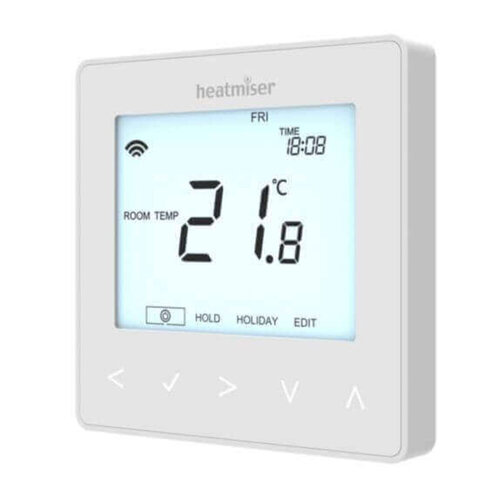
Heatmiser Neostat WiFi Thermostat - Glacier White
Programmable WiFi thermostat with remote app control, no hub needed
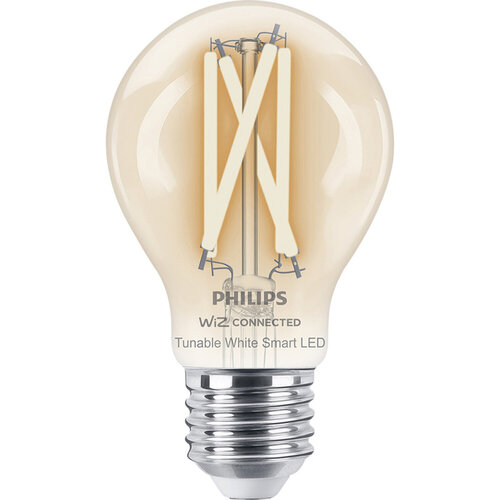
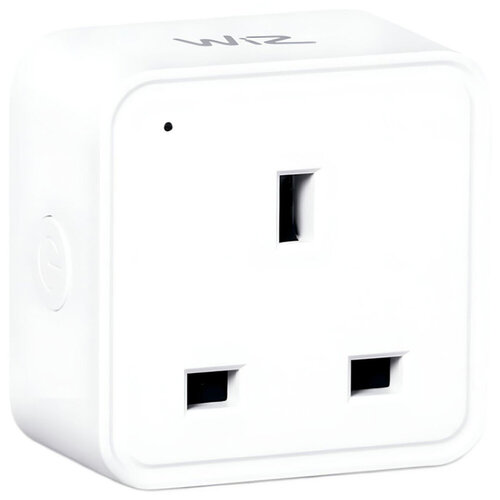
Philips Wiz LED Clear Filament Tunable White Smart Light Bulb - A60 E27 7W
Philips WiZ LED filament bulb, A60 E27, tunable white, 7W
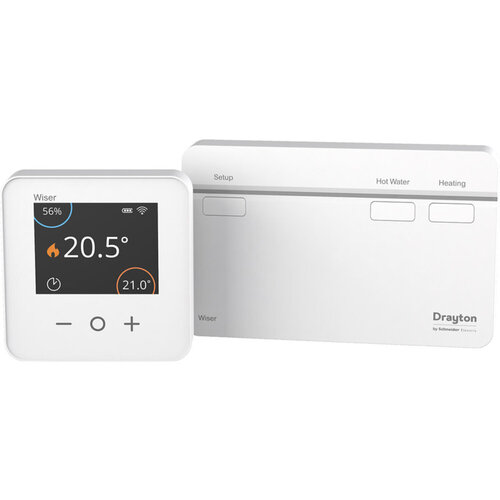
Drayton Wiser Smart Thermostat WT724R9K0902 - Kit 2
Two channel thermostat pack for heating and hot water control via app
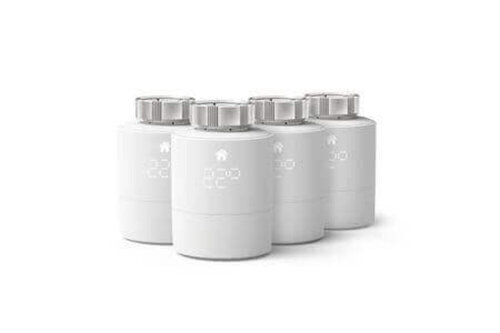
Tado° Smart TRV Thermostatic Radiator Valve - Multipack 4 Pack
tado° Smart Radiator Thermostats, 4-pack, for individual room heating control
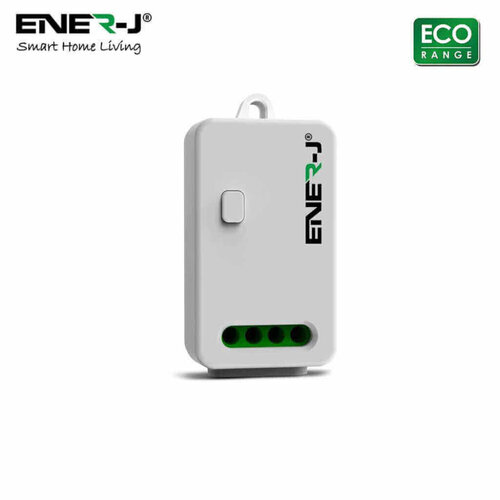
Ener-J WS1055X Non Dimmable 500W RF Receiver for Eco Range Switches
Non-dimmable 500W RF receiver for Eco Range switches, multi-way switching
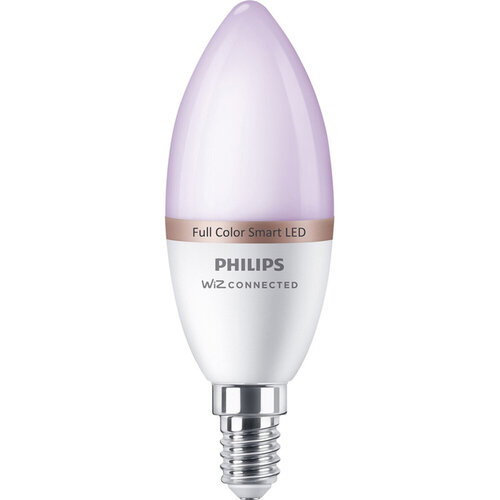
Philips Wiz LED C37 Colour Smart Light Bulb - E14 4.9W
Full-colour smart candle bulb, E14 base, WiZ app control
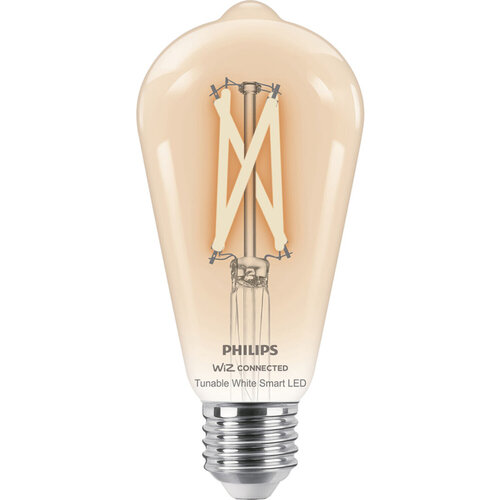
Philips Wiz LED Clear Filament Tunable White Smart Light Bulb - ST64 E27 7W
Philips WiZ E27 7W smart filament bulb with tunable white light
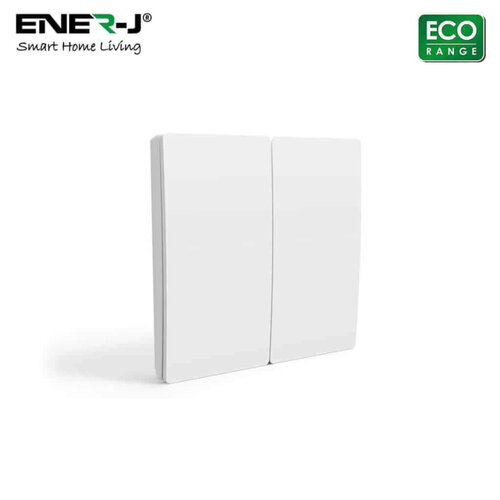
Ener-J Wireless Kinetic Switch Eco Range - 2 Gang
2-gang wireless kinetic switch, no batteries or wiring required
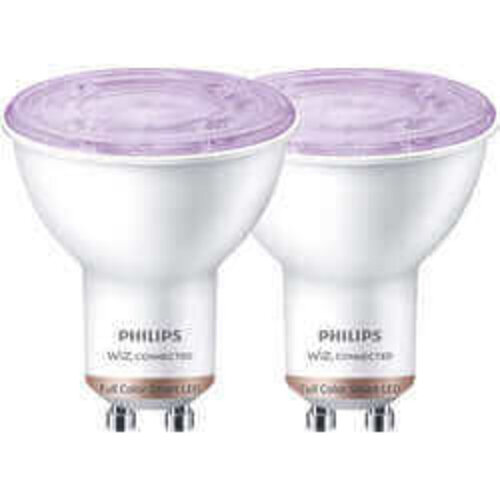
Philips Wiz LED GU10 Colour Smart Light Bulb - 4.7W 345lm 2 Pack
Philips WiZ LED GU10 smart bulb, RGBW, 4.7W, 345lm, 2-pack, IP20
For the Trade
Start with the space you’ve got and how the job will be used, then work back from there. With smart homes, that usually tells you whether you need a simple add-on, a fuller smart home automation setup, or something that has to sit neatly with what’s already in place. A cramped layout or a busy property can rule out some options before you get to finishes or accessories. How much control the client wants day to day matters too, because over-specifying the control side is where jobs get messy and callbacks start.
Smart Electrical
If it’s just one room or one function, keep it simple and don’t over-specify.
If the client wants joined-up control, check what has to talk to what before you commit. That’s where call-backs start. The Smart Electrical range is the narrower buy when you need control hardware rather than a full mixed package.
Smart Heating
Start with what the heating needs to do day to day. That usually matters more than the app.
Smart Heating suits room-by-room or schedule-based control without pulling in the rest of the system. Broader smart home automation fits better when the client wants everything working together.
The trade-off is simple. Heating-only setups stay focused, but they will not cover lighting or security later without extra products. Most call-backs come from choosing the control method before the heating spec.
Smart Home Kits
Kits suit jobs where you want a cleaner start rather than piecing smart homes together one item at a time. They give you a matched setup and cut down the compatibility questions at the counter.
You do give up flexibility. When the spec needs a very specific mix of devices, separate smart home products are easier to tailor. If you are keeping the spec tidy and avoiding mixed brands or control methods, Smart Home Kits are the narrower buy in this range.
Smart Lighting
Smart lighting is the bit you pick when the job is about control at the point of use, not a full-house rethink. You’re usually choosing between a simple swap-in setup and something with app or scene control. The trade-off is clear: easier day-to-day control against a bit more kit and setup time.
In smart homes work, this is often the first place clients notice the difference because the lighting gets used constantly. If the brief is only to improve one area, keep it there. If the job is moving towards broader smart home automation, check how it sits with the rest of the system before you order.
Smart Security
Security is the bit you specify when the job is about watching access points, not running the whole property. You’re usually deciding how much coverage the client wants, how they’ll check alerts, and whether the system needs to sit alongside other smart home products or stand on its own.
Wired gear still has its place where fixed positions and a steady feed matter. Wireless options are easier when you’re working around finished rooms or awkward access. The usual mistake is buying too many cameras and sensors before you’ve worked out where the weak points are.
Selection Factors for Smart Homes
What changes the spec on smart homes is how much control the job needs, and how much existing gear you’re keeping.
If you’re only adding one function, keep it tight. Buy parts that match the current setup.
If the job needs broader smart home automation, choose products that work together cleanly rather than a mix of one-off bits. That’s where Wiring Accessories and Cable & Cable Management matter as much as the devices themselves. Poor support gear is what causes the call-back, not the app.
Finish the Room
Once you’ve picked the main smart home kit, the next call is the finish around it and the support gear. On site, that usually means checking whether you need a neat panel or screen, enough storage for the control kit, and the right accessories to keep the install tidy where it meets the rest of the room.
If the job is being finished in stages, this part needs more thought than the device itself. Mismatched trims or a poor enclosure stand out later. Keep the finish in line with the rest of the electrical work, then move on to the adjacent items that close the job out cleanly.
Related searches
Local availability for Smart Homes